Linking a Community to a Course
In this article, you will learn how to specifically assign a community to a course. This way, only the participants of that course will get access to the assigned community—ideal for exclusive forums with high-quality content.
Last updated 12 months ago
Access Rules:
Unlimited Course Access: The community remains permanently accessible.
Subscription-based Courses: If the subscription is canceled or expires, access to the linked community is automatically withdrawn.
Here's How You Do It:
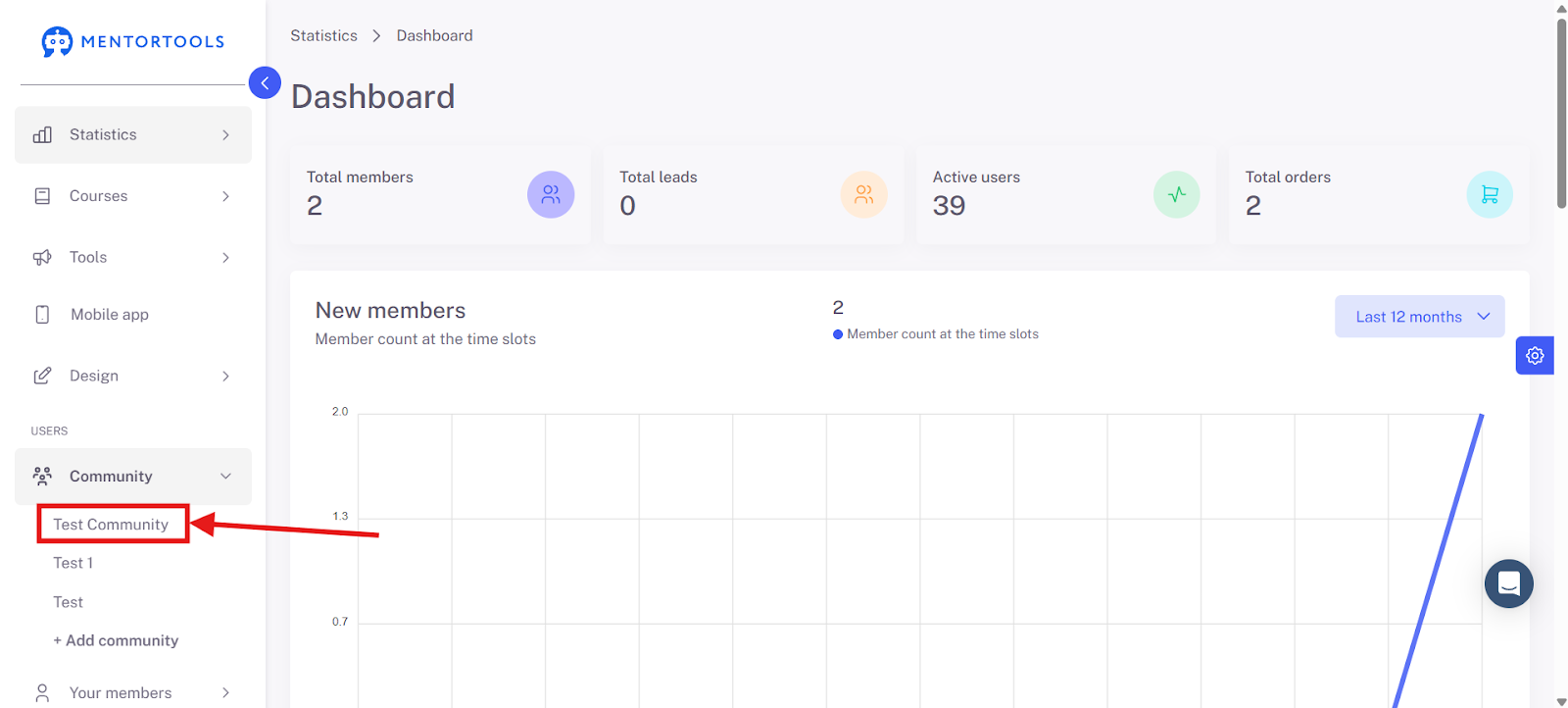
Navigate to "Community" in the menu bar and open the community you want to assign to a course.
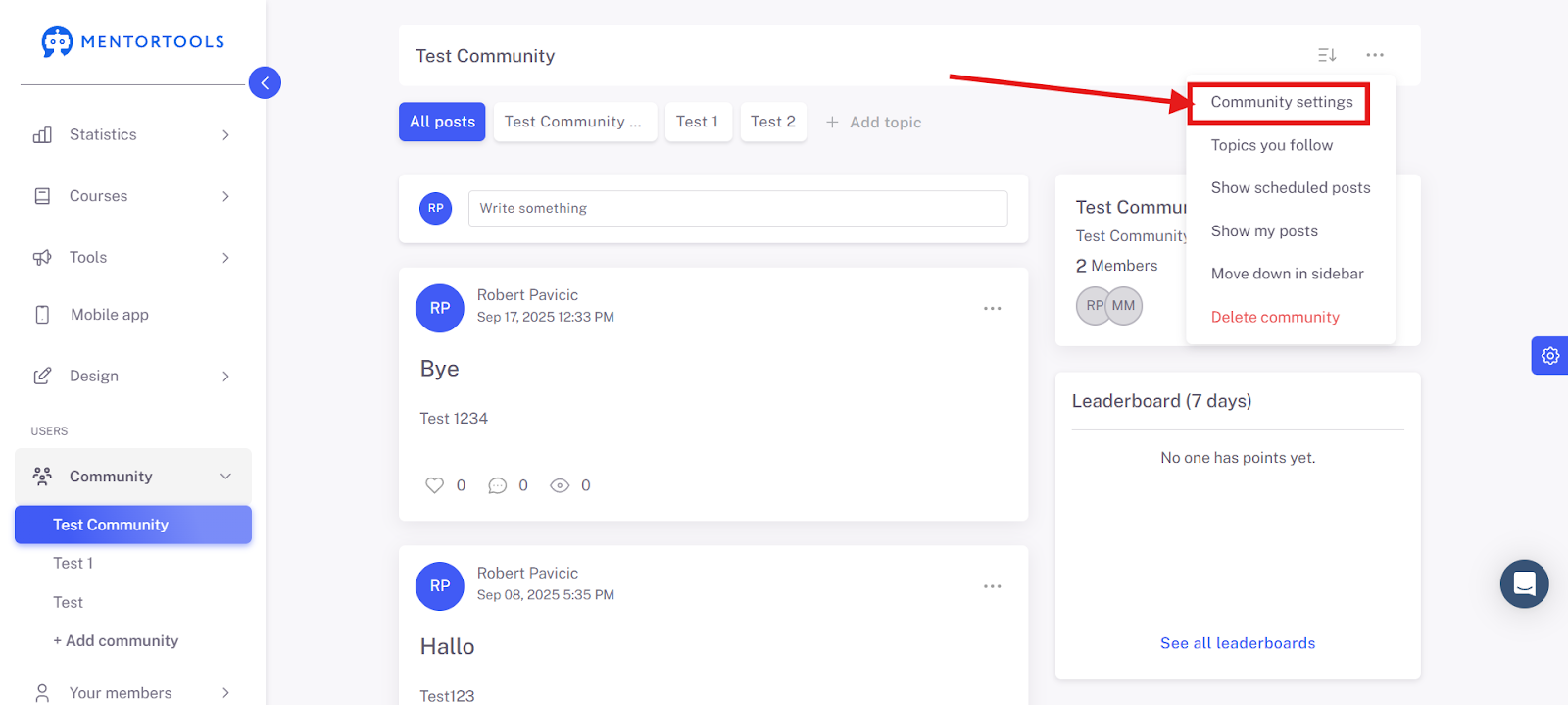
Go to the three dots and then to Community Settings.
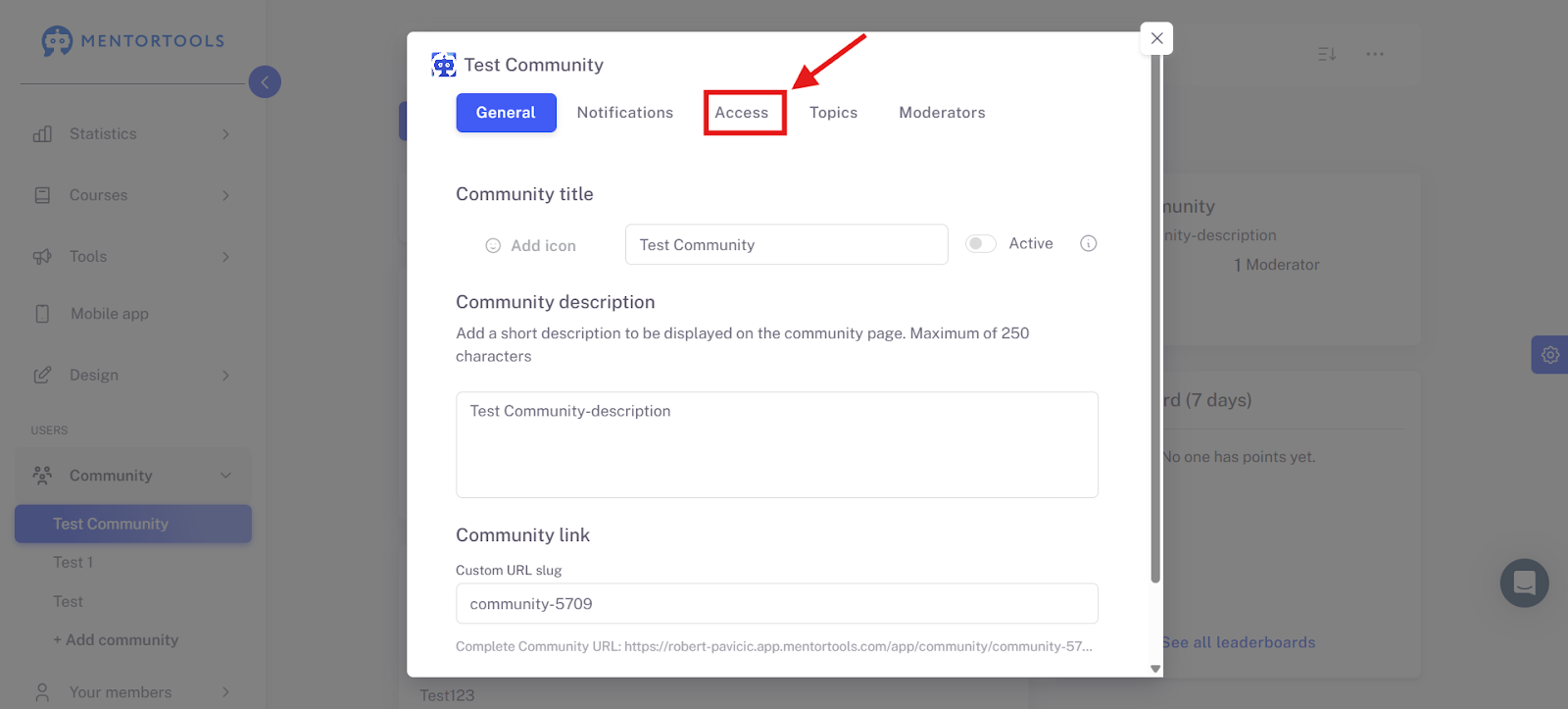
There you can make the assignment to the desired course. To do this, please click on Access.
Activate "Only with course(s)" and then select the course or courses that should be linked to this community.
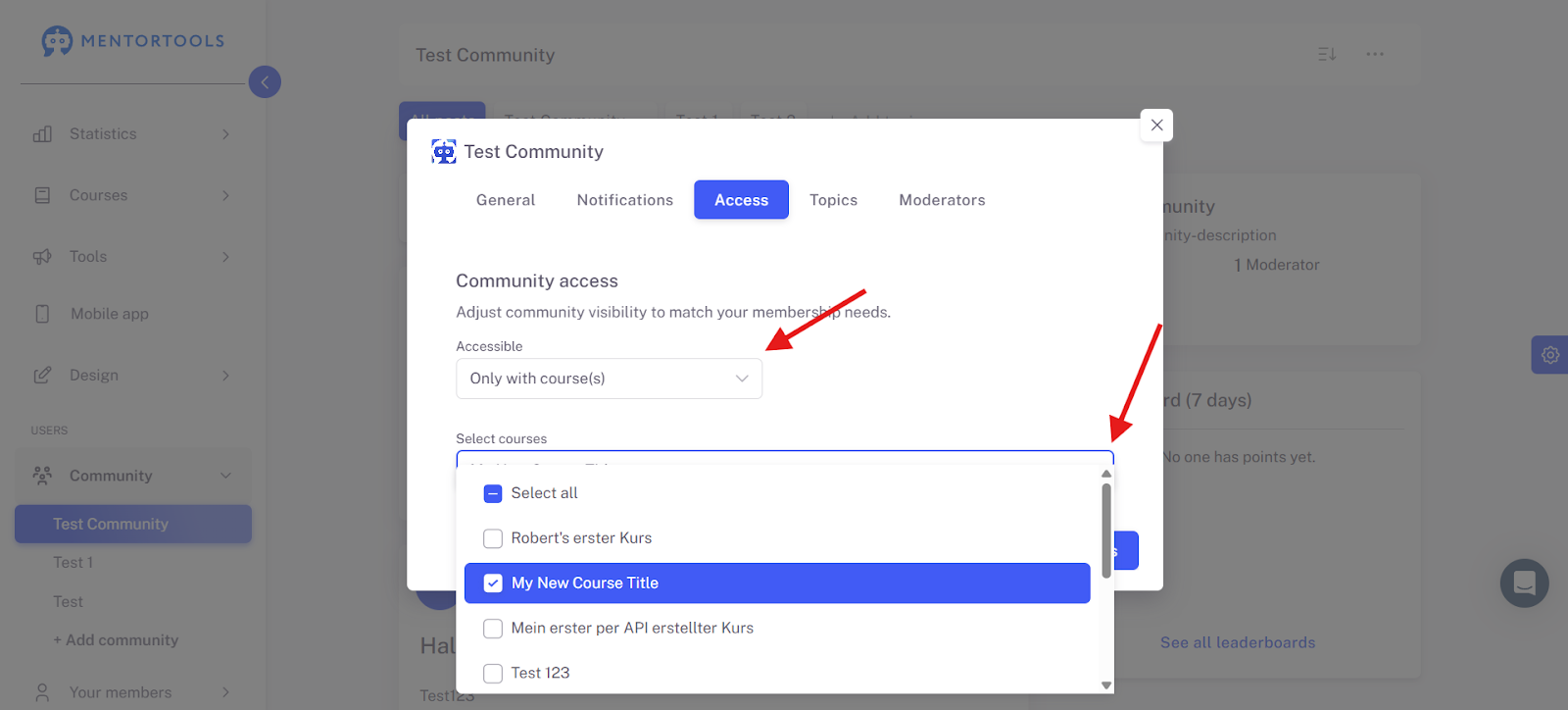
Only members who have access to these selected courses will also get access to this community.
Finally, save your settings.