Change/Move the Order of Courses, Modules, and Lessons
Last updated 11 months ago
The order can be changed as desired. To do this, click on the icon on the left side of a course, module, or lesson in the course overview, hold the mouse clicked, and drag the element to the desired position:
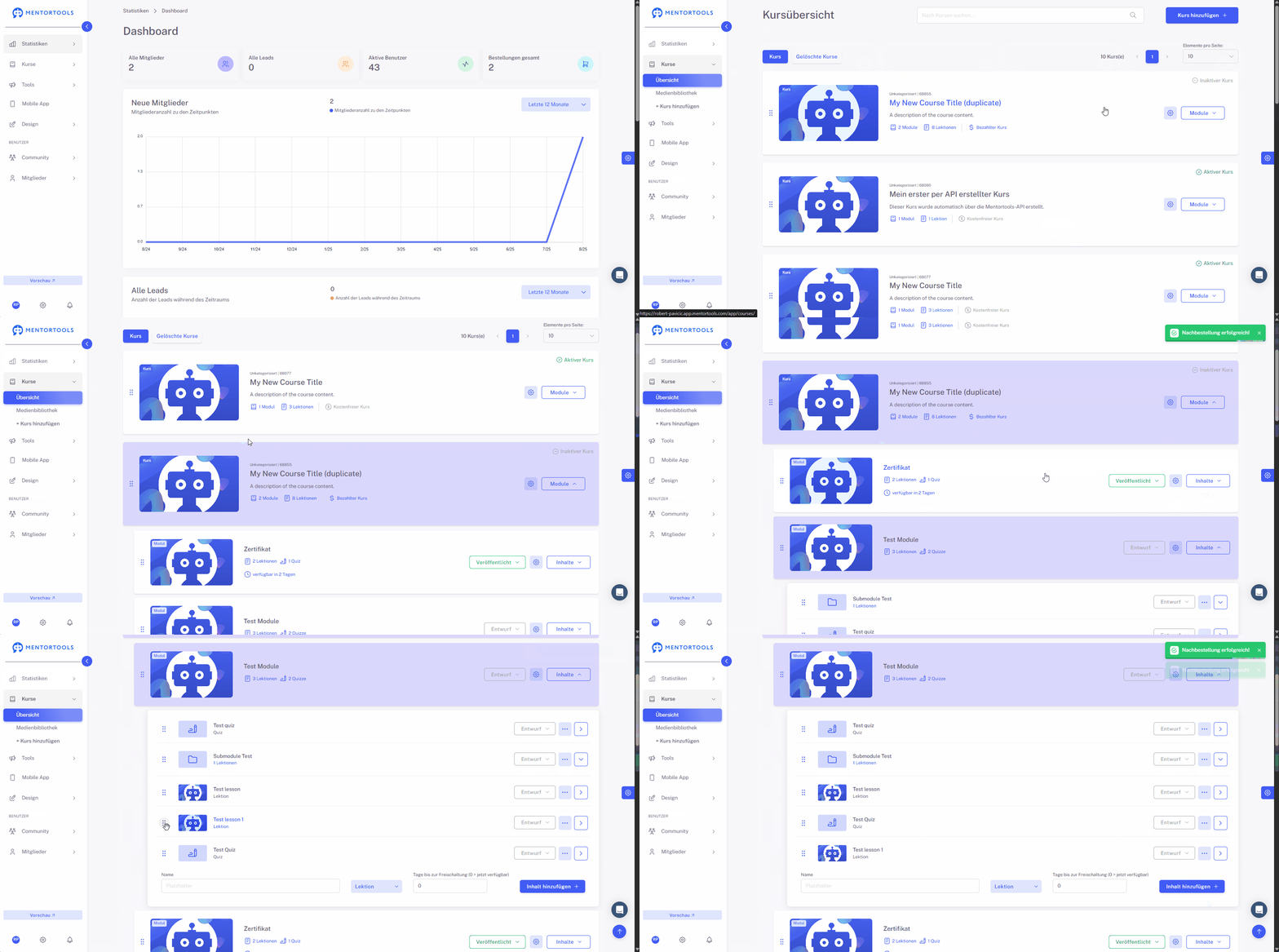
Note: It may take a few seconds for the changes to be applied after a course or module has been moved. If the changes are not displayed immediately, I recommend reloading the page before making further changes.
You can also duplicate a module or a lesson and then move the duplicate:

For a lesson, you can select the course and the module to which the lesson should be copied.