Remove Course Access
Last updated 11 months ago
If you want to remove course access for an existing customer, you have two options. You can either generally delete the order (1) or you can simply block access to the course (2).
1. How to Delete an Order?
With this option, you delete the complete course access, meaning the end customer no longer has the course available.
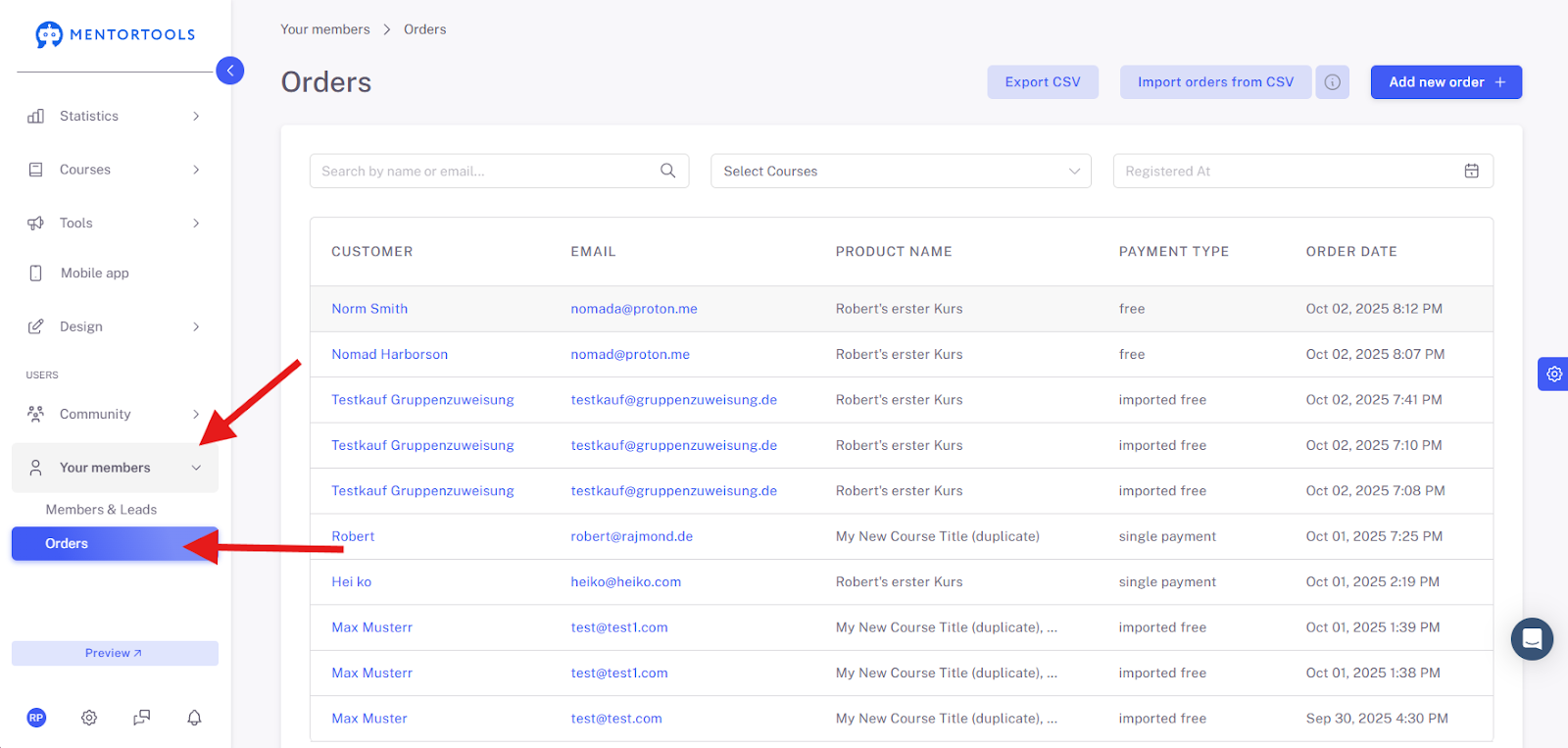
To do this, first navigate directly to the Order Overview.
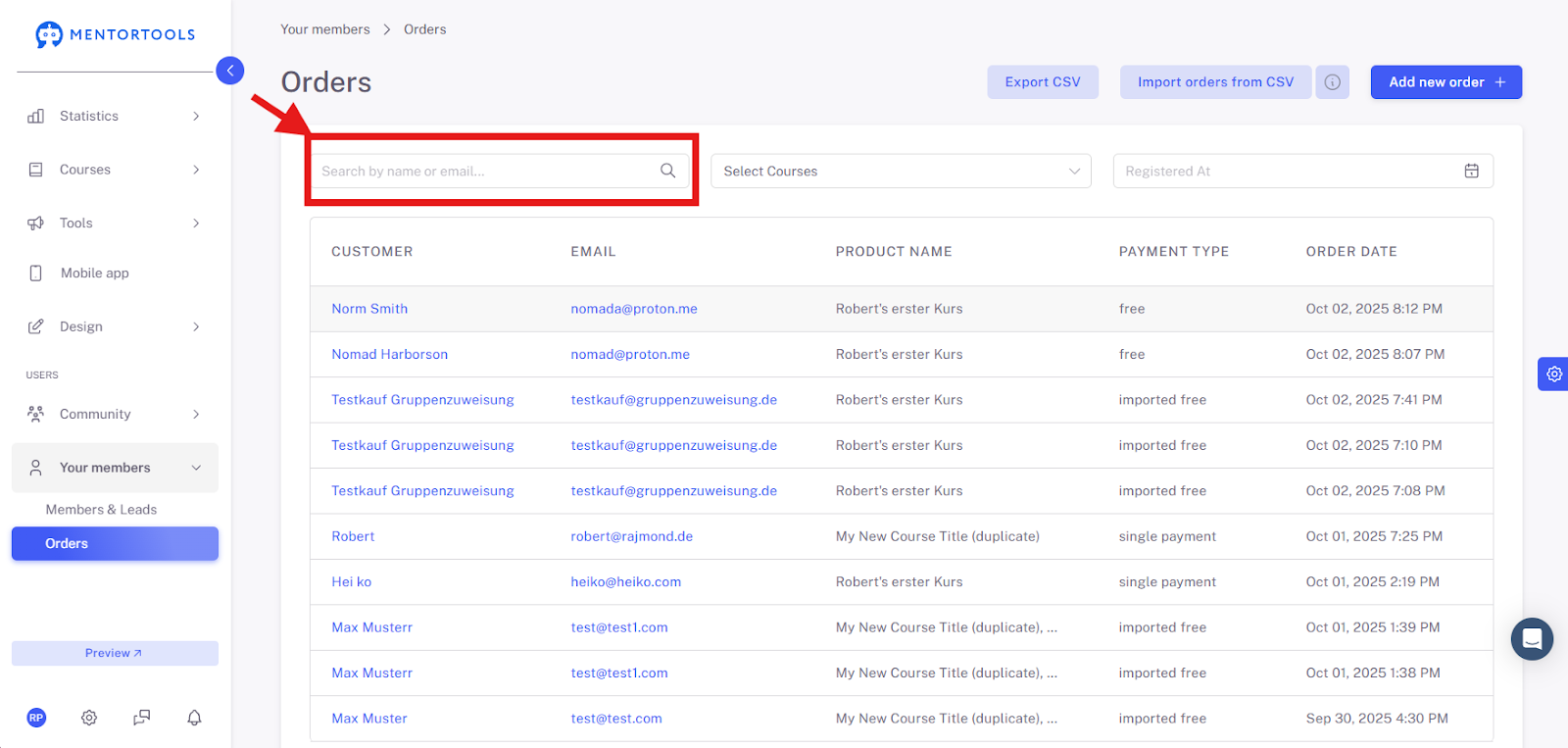
Then, enter the customer's name or email address into the search bar.
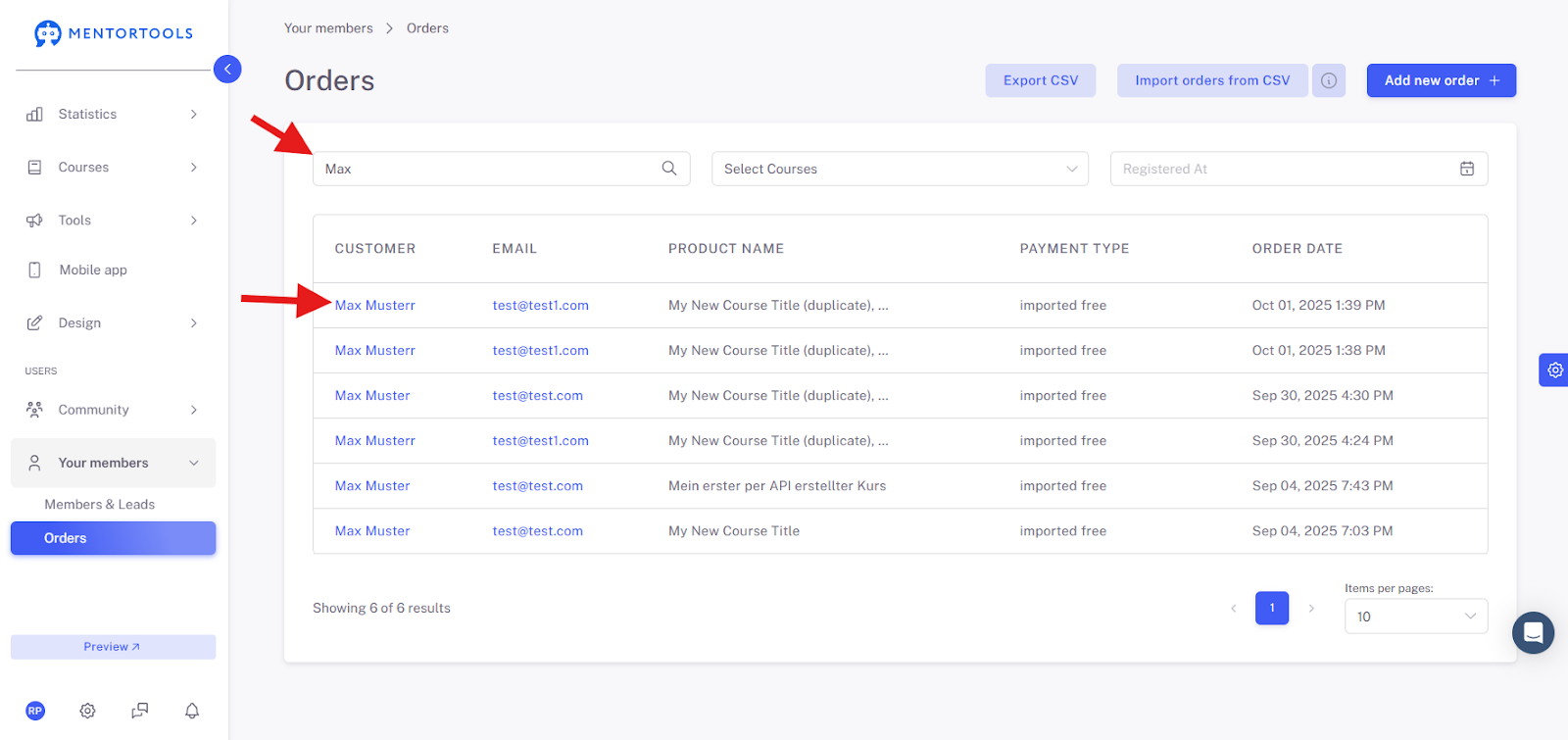
Once you have done that, a result with the same customer data should appear below. Then click on the customer name.
A new window will then open where you can delete the order using the button on the far bottom left.

2. How to Block Course Access?

Here, you can block the end customer's access to the course either completely or partially. You can individually block and re-enable the module and the individual lessons.
First, navigate with your mouse to the "Members" area. Then, enter the customer's name or email address into the search bar.
Enter the customer's name or email address into the search bar.
Click on the name and select "Course Access" in the left tab, and then click on the correct course you want to block.
There you can now define whether the customer should be blocked from the course, the modules, and the lessons.