Change the Order of Blocks in Lessons
Last updated 11 months ago
If you want to change the order of the individual blocks within a lesson, you can do so with just a few clicks.
Change the Order of Content
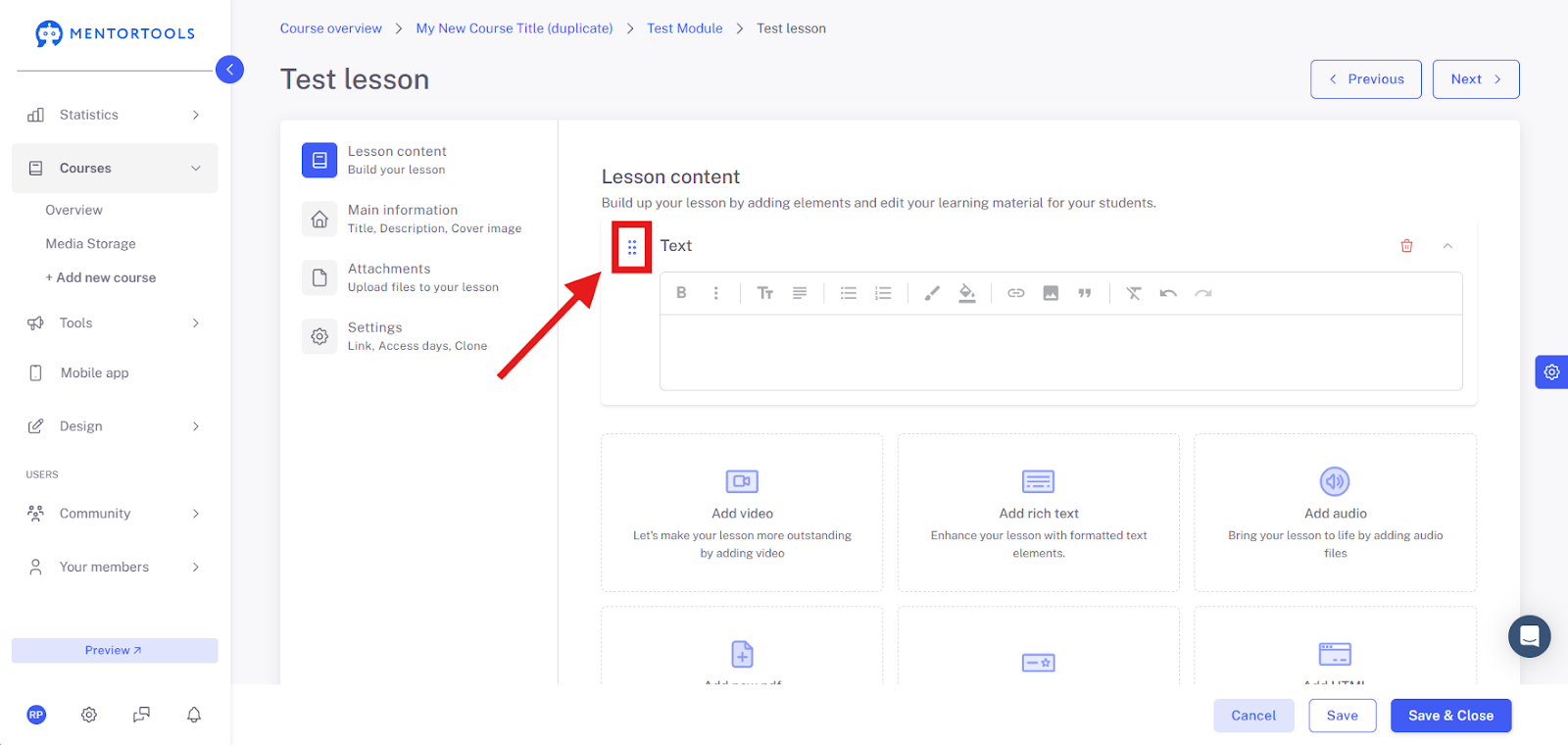
You can use the "Drag & Drop" function to change the order of the individual content items (files) within the lesson at any time.
If you want to change the order of the content items (files), simply click on the icon on the far left (three dots) of the respective content, drag it, and drop it in the desired position. This is how you can adjust the order of the content items (files) in the lesson.