Notifications – General
Do you want to receive only the notifications that are truly important to you? In this short tutorial, we'll show you how to easily adjust and save your personal notification settings in Mentortools. This way, you'll always stay up to date without being flooded with unimportant information.
Last updated 12 months ago
1. Open Settings
Click on the gear icon in the bottom-left menu bar.

2. Open "Notifications"
Here you can configure your individual preferences.

Notifications – General Overview
Depending on your preference, you can turn certain notifications on or off here.
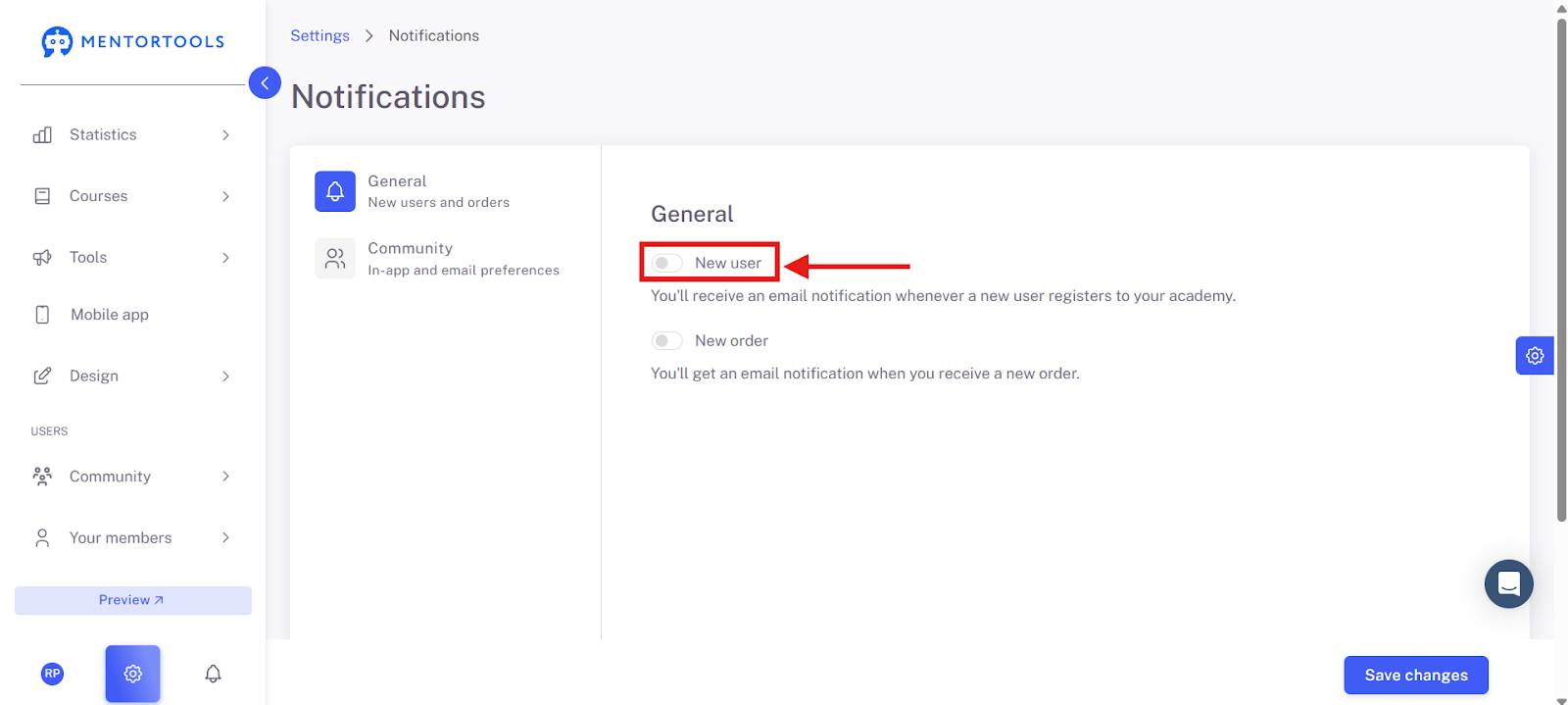
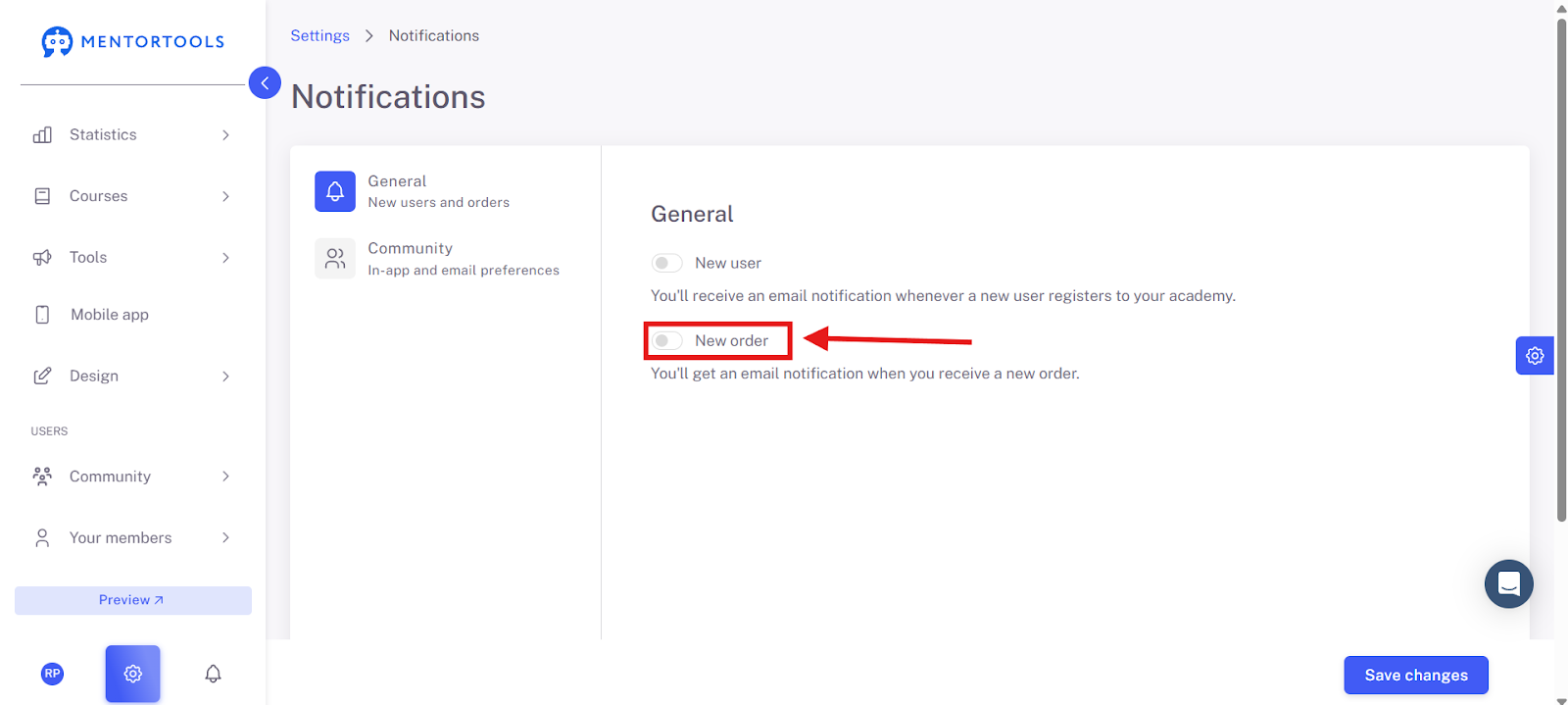
Click on "General," and you will see two options on the right side, each with a slider:

New User: The text below already explains it well: "You will receive an email notification as soon as a new user has registered in your academy." This is great if you want to know quickly how many new people are joining. If the slider is blue, the function is on. If it's gray, it's off.
New Order: Just as simple: "You will receive an email notification when a new order comes in." This is, of course, very important to see which courses or products are being sold. The same applies here: blue slider = on, gray slider = off.
In short, the settings are designed so that you don't miss anything and are always informed in real-time about new registrations and sales in your academy. This way, you have everything in view without constantly having to check the system. Simply click the slider to turn the function on or off—it's child's play!
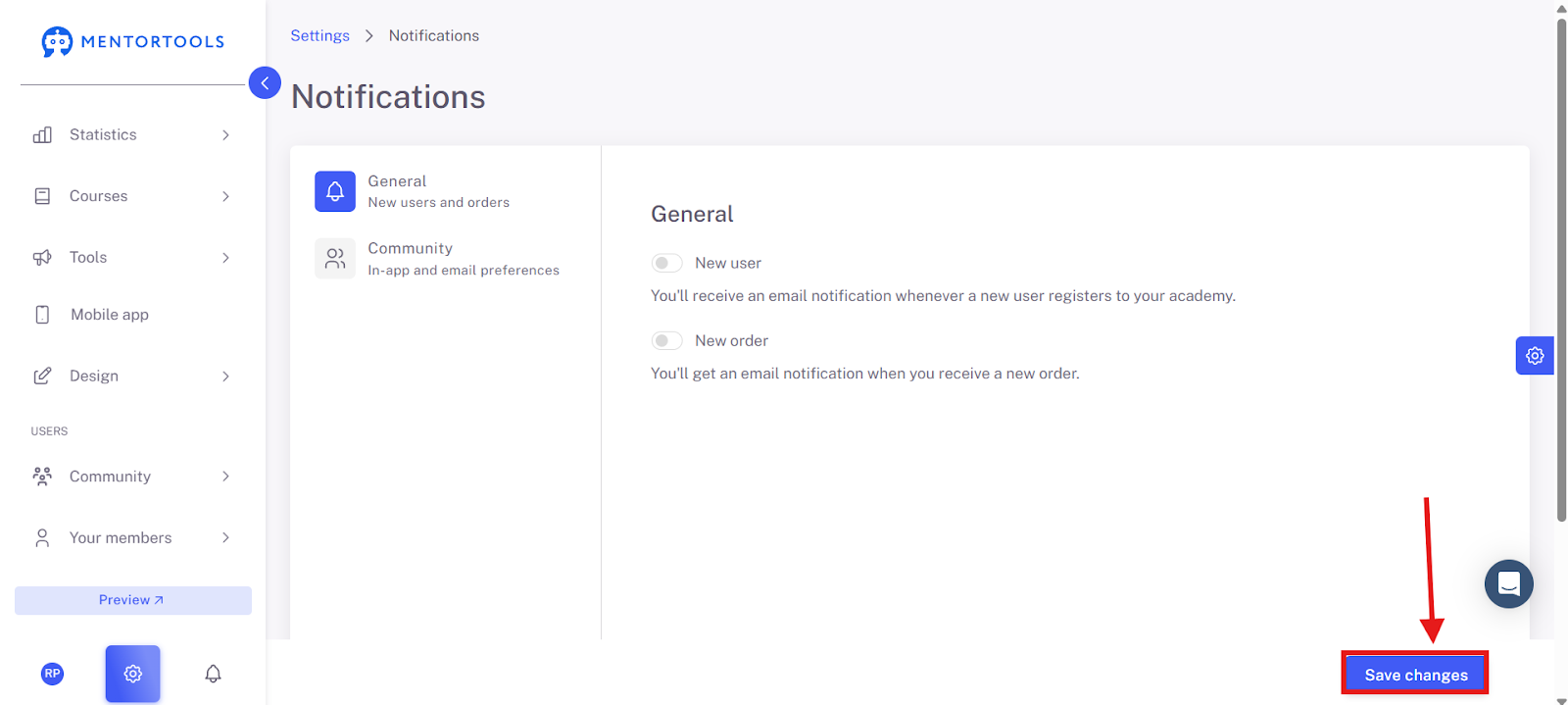
Once you are satisfied with your changes, click on "Save Changes" in the bottom right to apply your changes.
Summary
In Mentortools, you can adjust your notification preferences under settings. In the "General" section, you have the option to turn email notifications for new users and new orders on or off. Simply use the sliders to activate (blue) or deactivate (gray) the desired function. After making changes, just click on "Save Changes" to save your settings. This ensures that you are informed in real-time about the most important events in your academy.