Welcome Emails – Registration and Password Emails
In these settings, you can define what the message (also called a welcome email) should look like.
Last updated 12 months ago
Registration and Password Emails
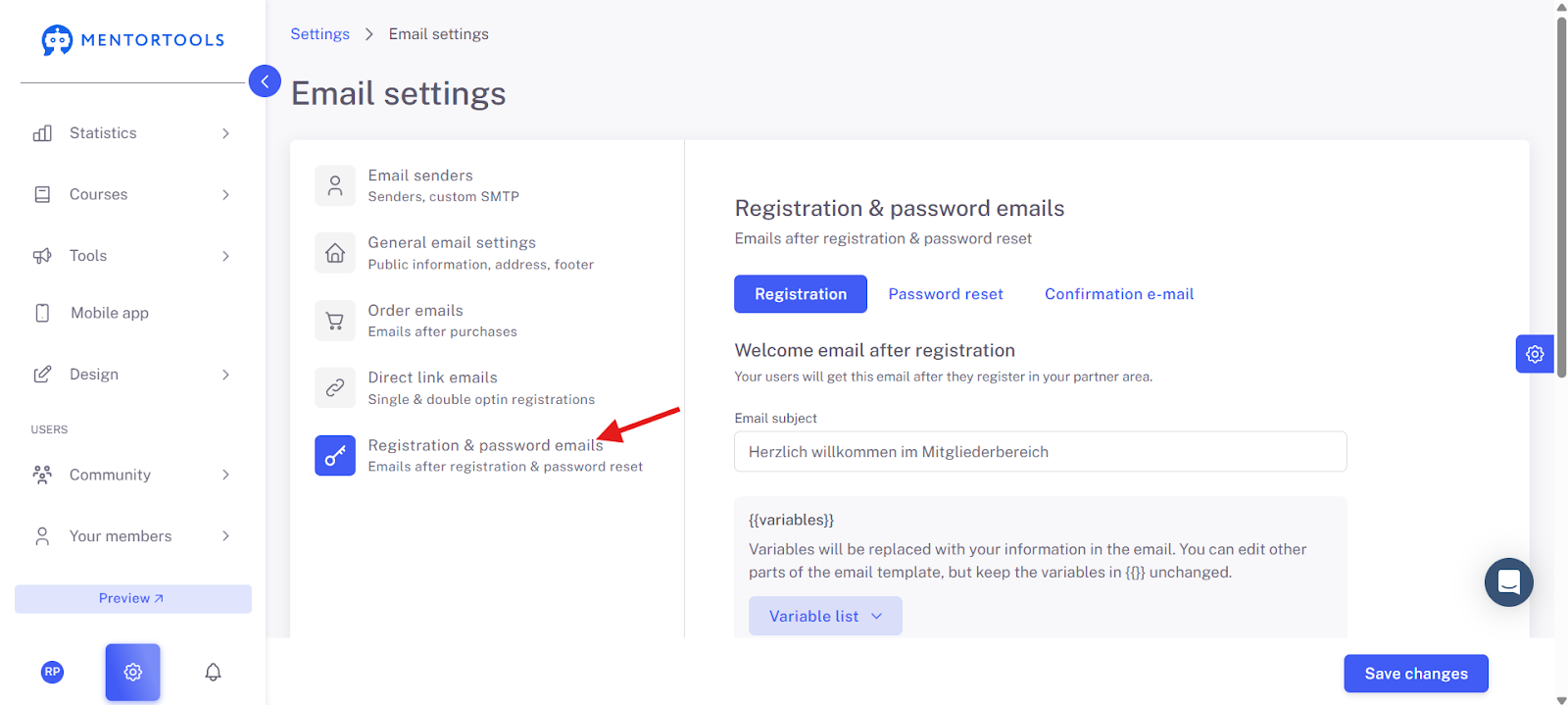
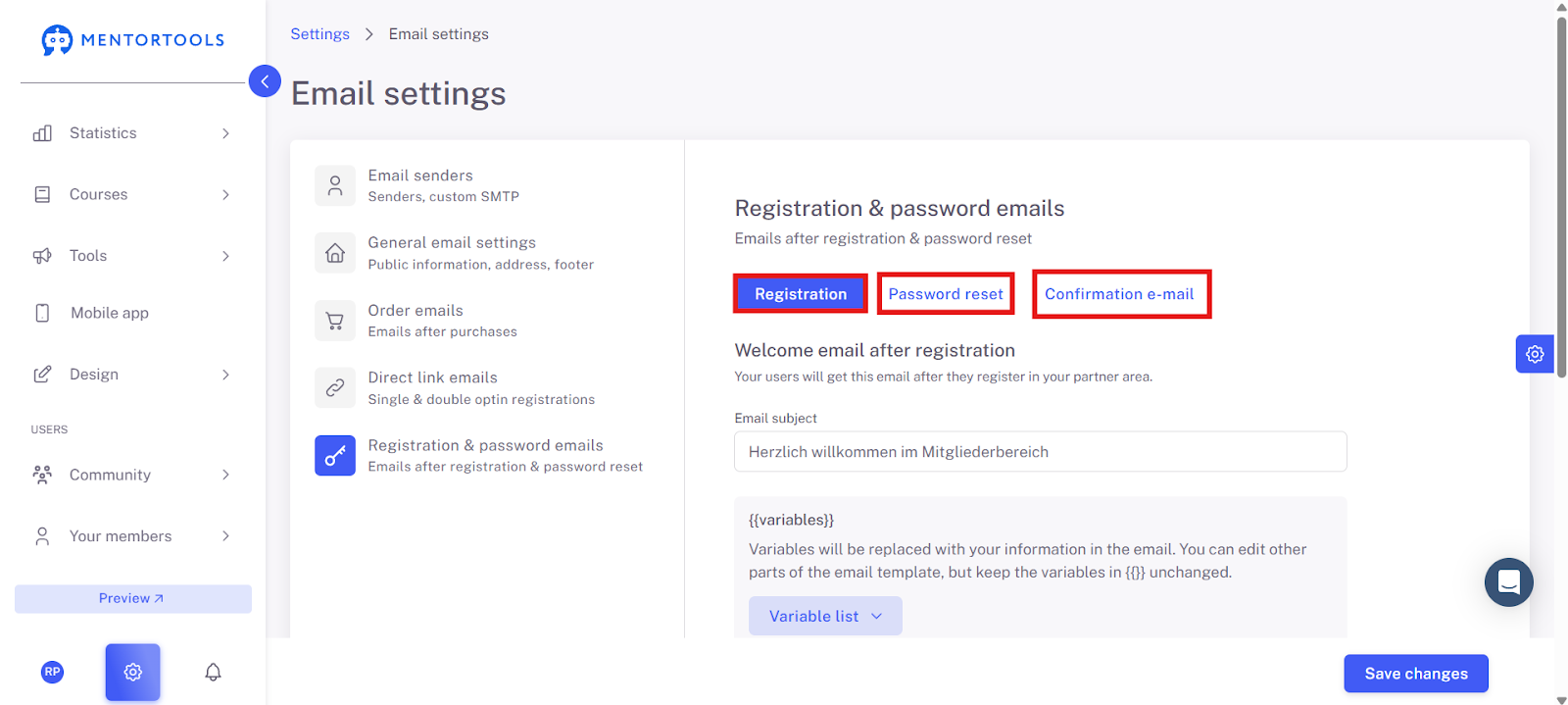
These emails are the messages that the user receives after they have registered via the login page of your member area or have reset their password.
Example: https://academy.app.mentortools.com/
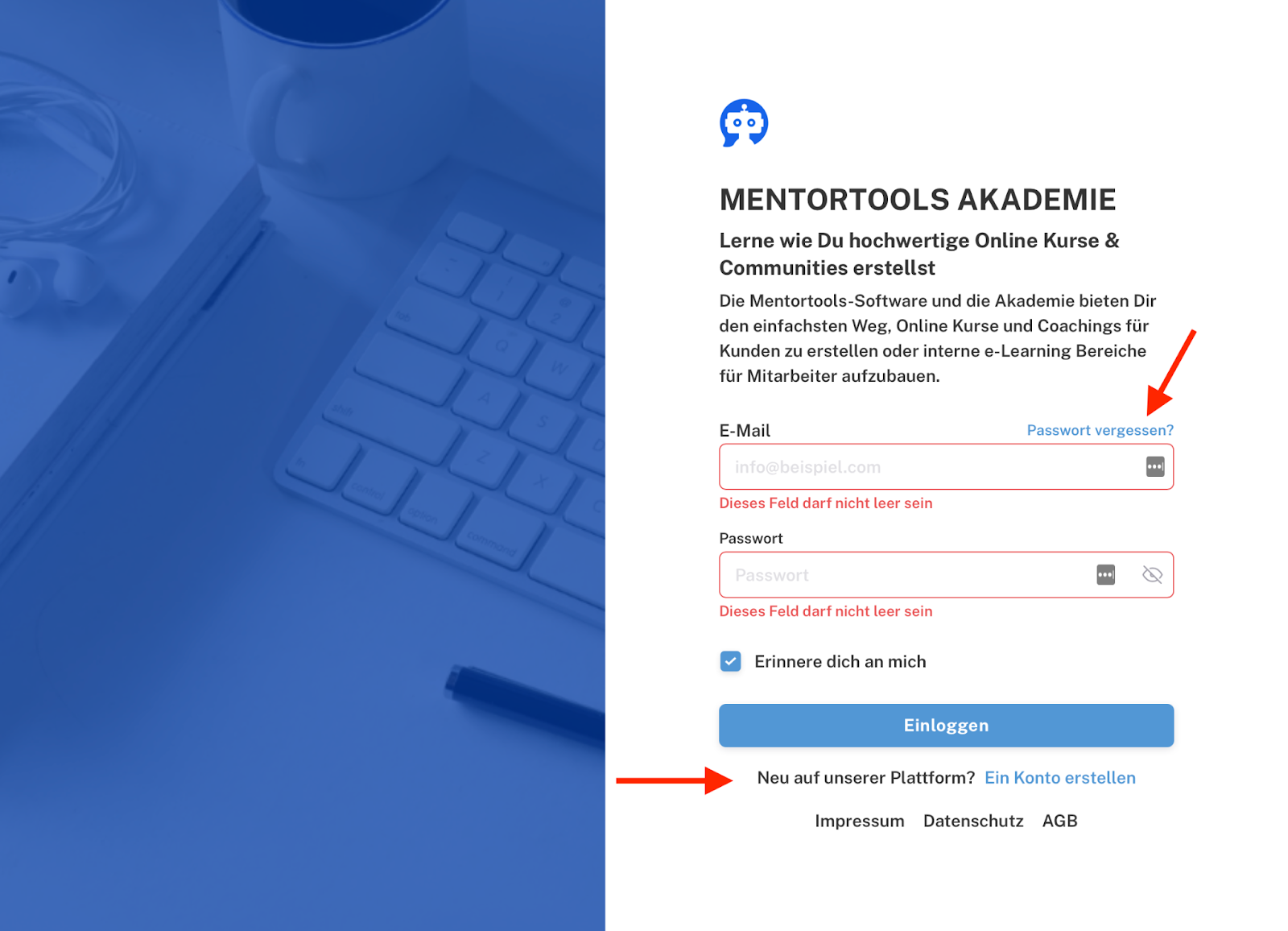
There are three categories whose text you can customize:
Registration
Reset Password
Confirmation Email
The confirmation email for registration via the login page (double opt-in) is sent to the email address of users who have entered their email address (registered via the login page).
After they have entered their email address, they are redirected to the "Just one more step" page, which asks them to verify their email address—via this confirmation email that contains the confirmation/verification link.
The email under "Registration" is sent after the user has completed the verification.
The "Reset Password" email is sent after users have reset their password.
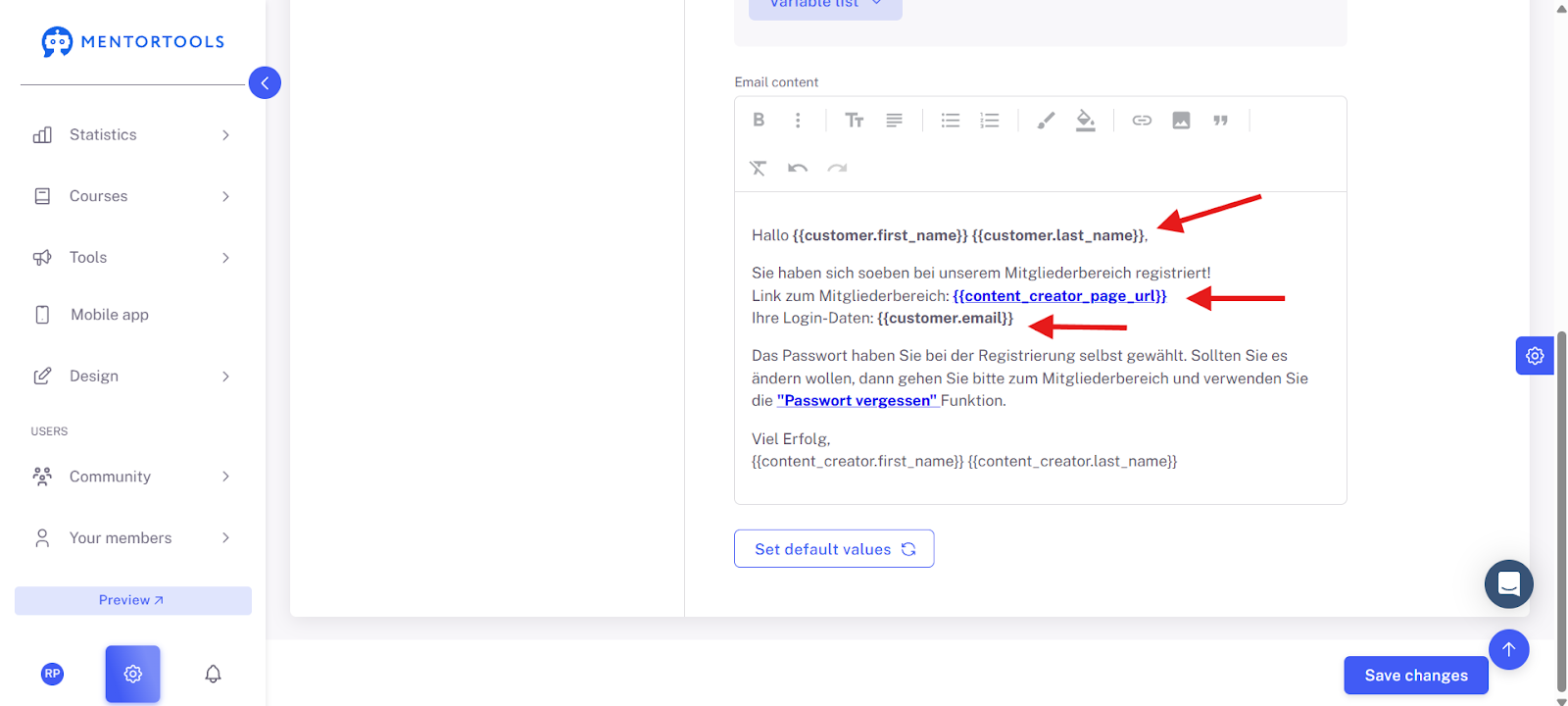
In these sections, you can individually customize the text of the email message.
IMPORTANT: Make sure that variables such as {{content_creator_page_url}} or {{customer.email}} are NOT CHANGED.
Once you have customized everything, click on "Save Changes."
Good luck!