Switch Between Digistore Affiliate and Vendor View
Last updated 11 months ago
Digistore has two different views. One is the “Affiliate View” to see all your partnerships and commissions, and the other is the “Vendor View,” where you can manage your own products and possibly create connections to other tools like Mentortools via the API interface.
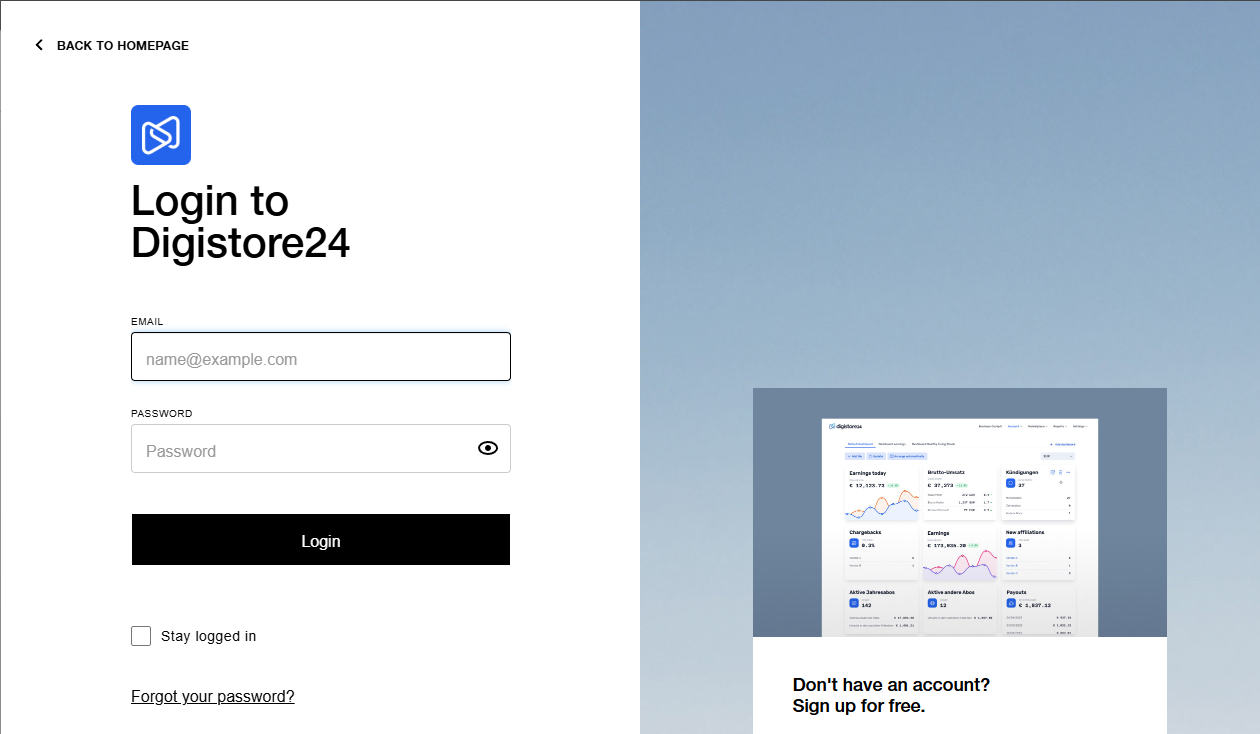
First, log into your Digistore Account. Initially, it doesn't matter whether you are in the Affiliate or Vendor view. You can then switch between the views as you wish. To do this, go to the page https://www.digistore24.com/login/ and log in with your credentials.
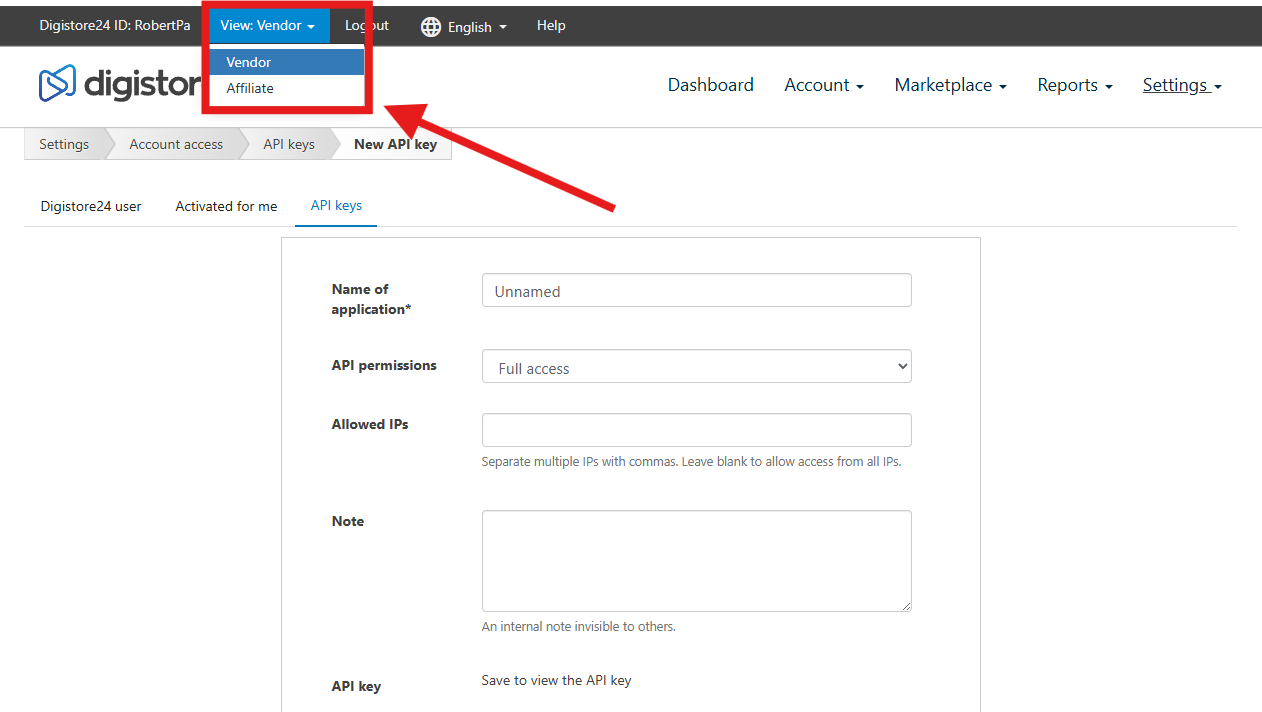
Now navigate to the top left, where you will find the menu item "View" next to your Digistore ID. There, you can now switch from Affiliate to Vendor or vice versa.
Wishing you success and fun,
Team Mentortools