Mobile App – Data Confirmation
In this article, you will learn how to confirm the final details for your app before the development process begins. This step is crucial because Mentortools will only process all the information and release the app for development with your explicit confirmation.
Last updated 12 months ago
What Does "Confirm Data" Mean?
After entering all the basic information about your app—such as the name, description, logo, and course releases—you will be prompted to finally confirm these details. Your application will only be officially processed after this confirmation.
What Information Needs to Be Confirmed?
The following content will be summarized and must be reviewed by you:
App Name
App Description
Application Icon (Logo)
Released Courses
App Business Model (free or paid)
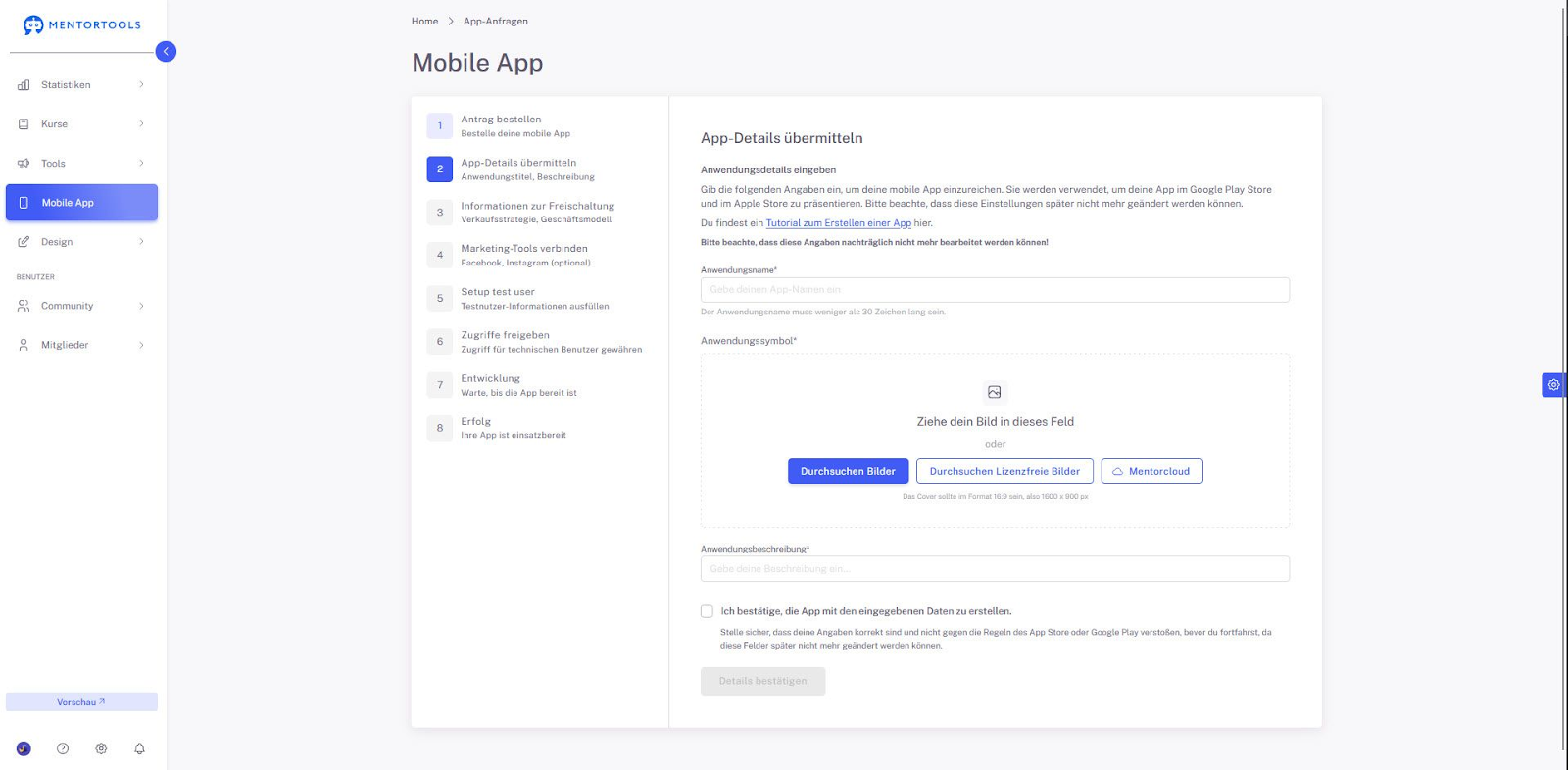
Additional Declarations
You must also check two boxes:
I confirm that I have entered all data correctly.
I confirm that my app does not violate any policies of Google or Apple.
These statements are necessary to ensure that your app meets the requirements of the stores.
Next Step
After successful confirmation, your application will be submitted. You will then be prompted in the next step to provide test user credentials.
➡ Continue to: Your Mobile App on the Google Play Store and Apple App Store