Linking a Landing Page in Facebook as a Post or a Comment
Last updated 12 months ago
Link Landing Page in a Post:
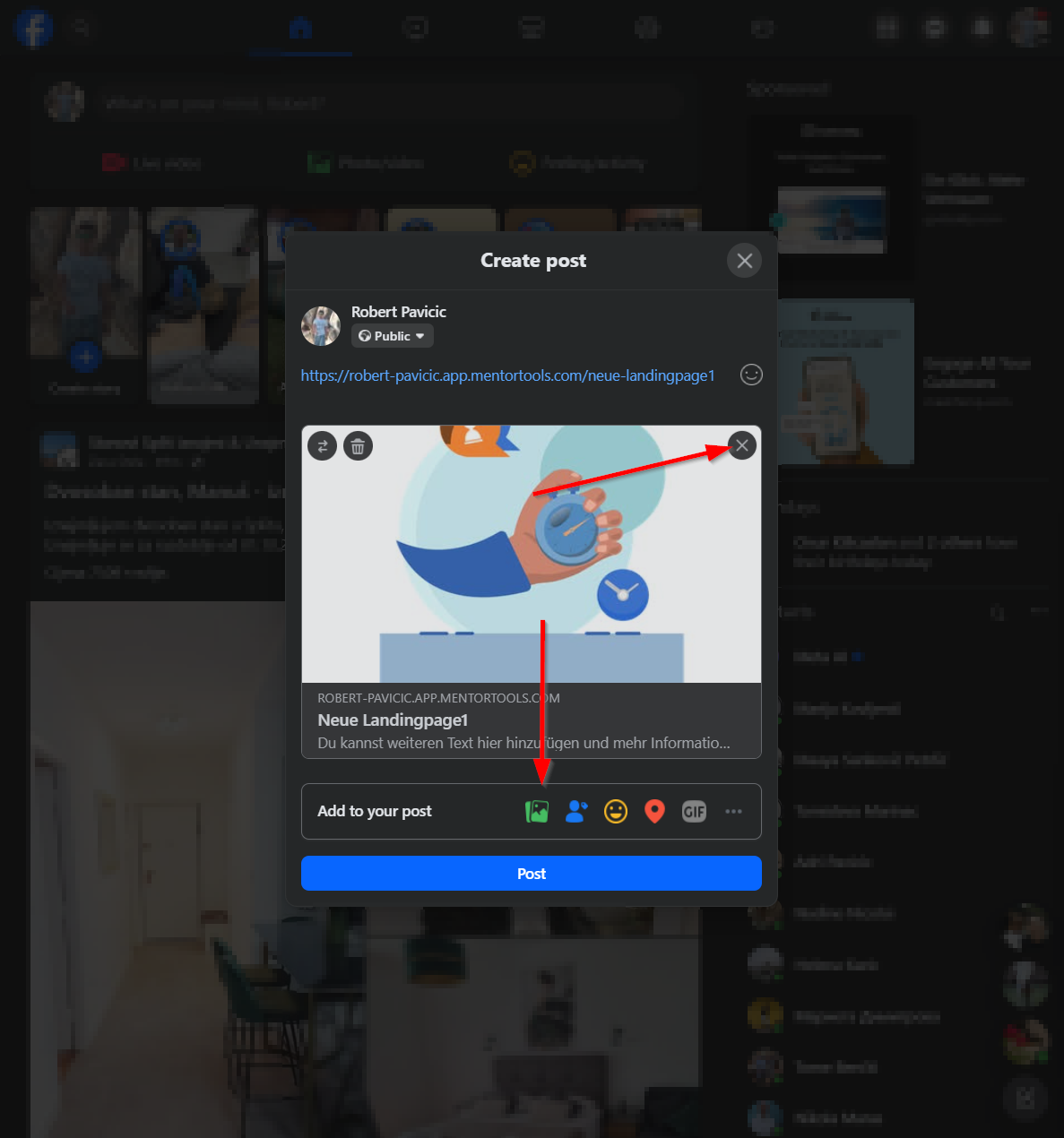
First, log into your Facebook Profile and click on “What's on your mind?” to write a post.

Now you can remove the preview image, if desired, and upload a different image:
Link Landing Page in a Comment:
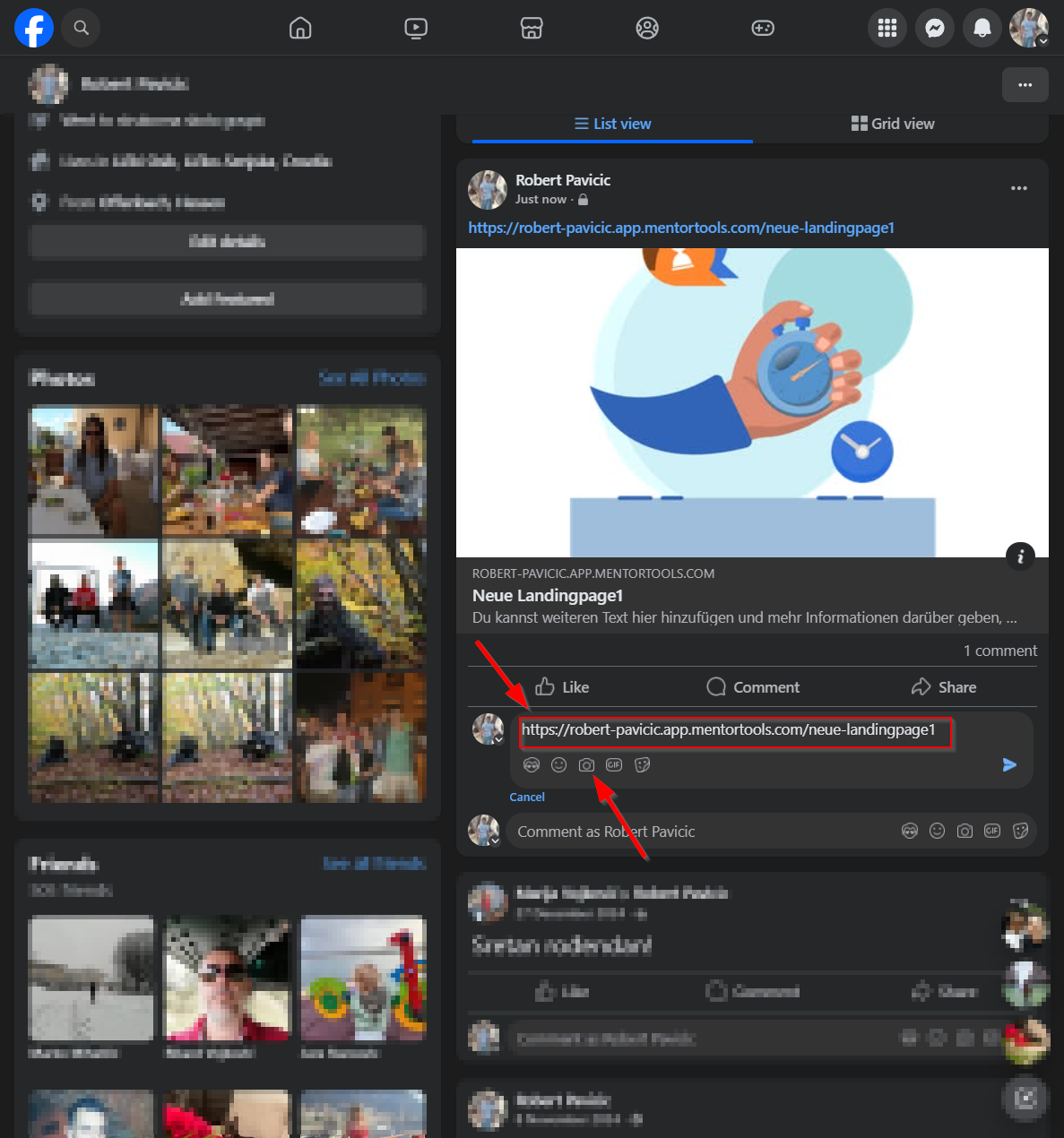
Go to the comment field to write a comment and paste your link there. You can also upload an image here to make your link more visually appealing.
Was this helpful?